 Roman Klimenko
CluedIn Sidecar
CluedIn Sidecar is an alternative user interface for CluedIn.
CluedIn is an MDM platform with REST and GraphQL APIs.
An API is more flexible than a fixed user interface. It exposes every operation available in the UI and can support workflows the UI does not cover.
The CluedIn web interface is its official client, but it is not the only possible one. It covers most day-to-day tasks, while a custom client can serve a particular customer's needs.
If you work with Kubernetes, think of Sidecar as Lens for CluedIn. Lens is one of several interfaces built on the Kubernetes API; Sidecar follows the same idea for the CluedIn API.
Technically, Sidecar is a serverless Angular application. It consists only of static HTML, JavaScript, and CSS files, so you can host it in a local folder, a public blob container, or on GitHub Pages. Here is an example deployment.
It stores access tokens in your browser's localStorage. There is no central application server holding the credentials; they remain in your browser.
Like Lens, CluedIn Sidecar supports multiple contexts. Create an access token for each CluedIn instance you want to connect to.
After creating a token in CluedIn, open Sidecar and press N or click "Add a token". Paste the token, give it a useful name, and save it. The new token will appear in the list:
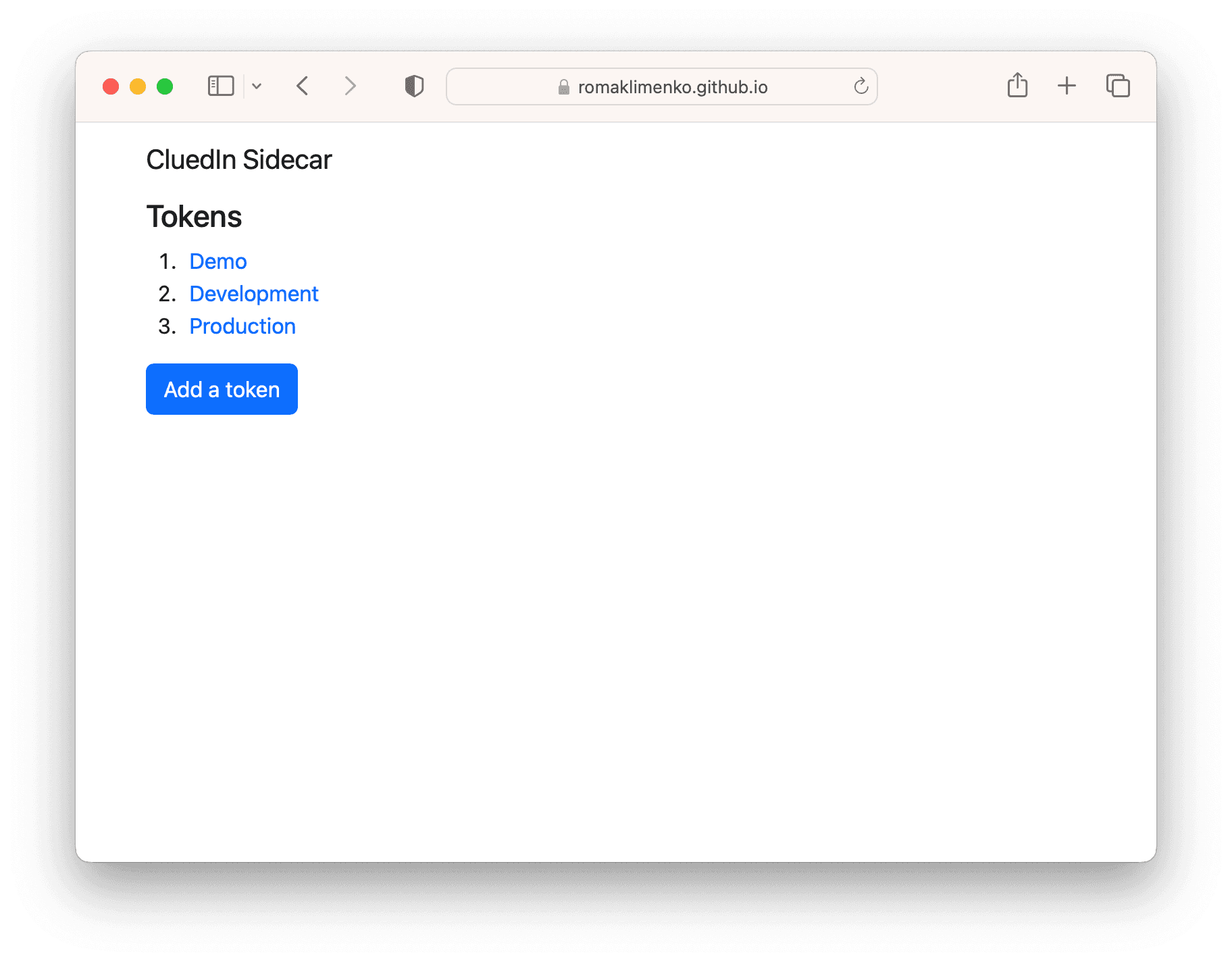
To select a token, press the corresponding digit on your keyboard or click it in the list.
Hotkeys
H: go to the home page.V: open the vocabulary from a token page.E: edit settings from a token page.1-9: open the corresponding token from the token list.
UI
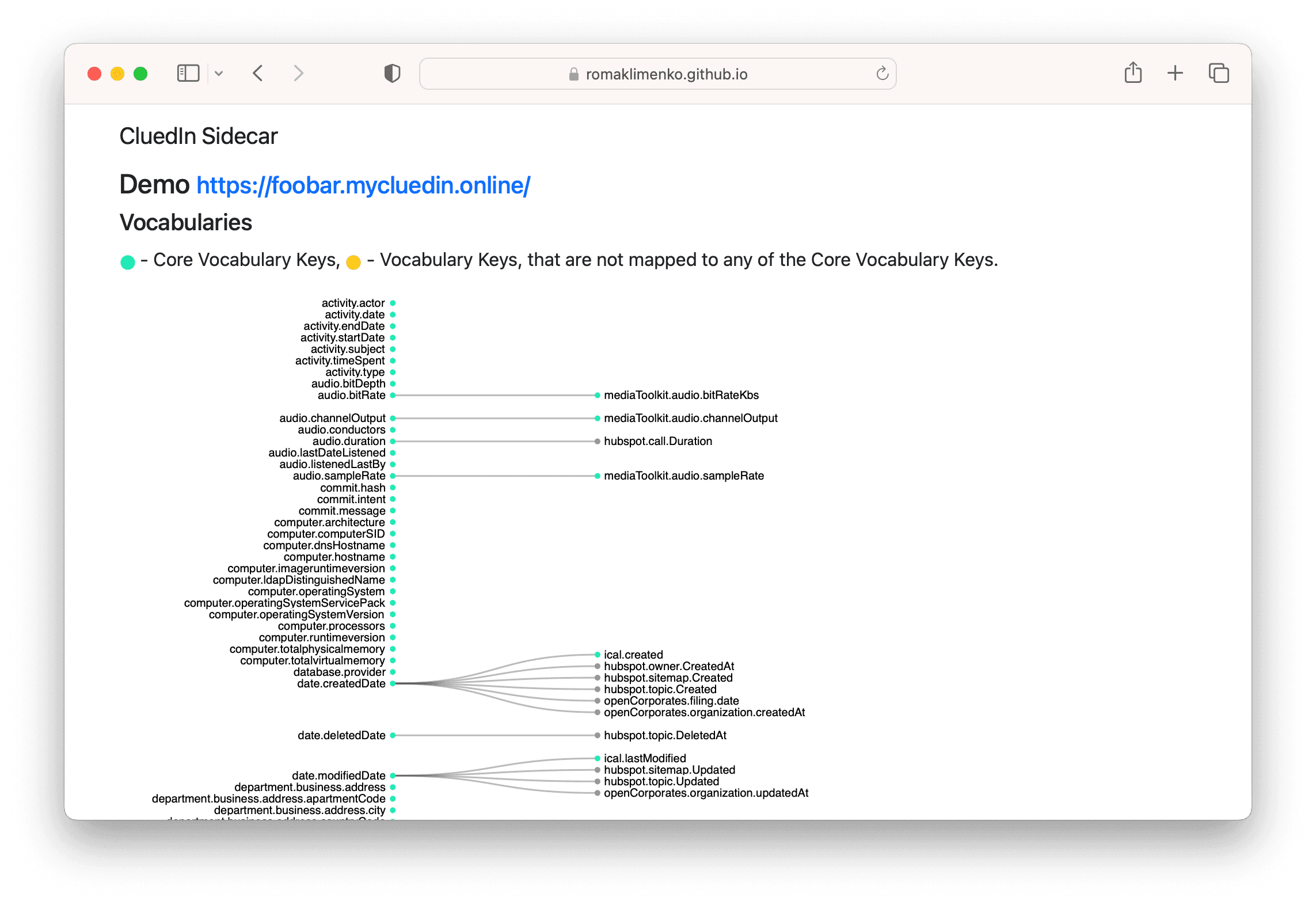
Vocabulary:
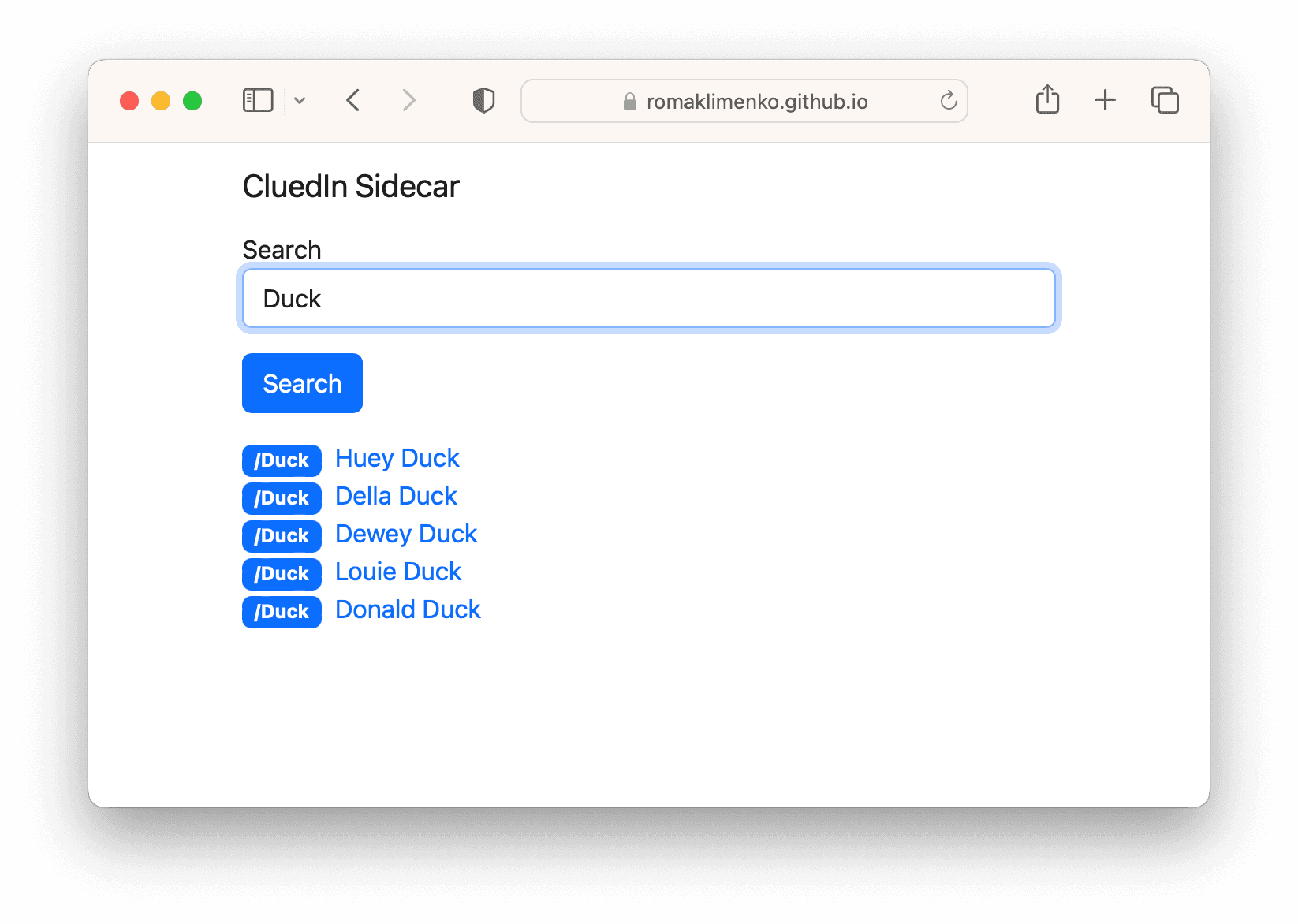
Search:
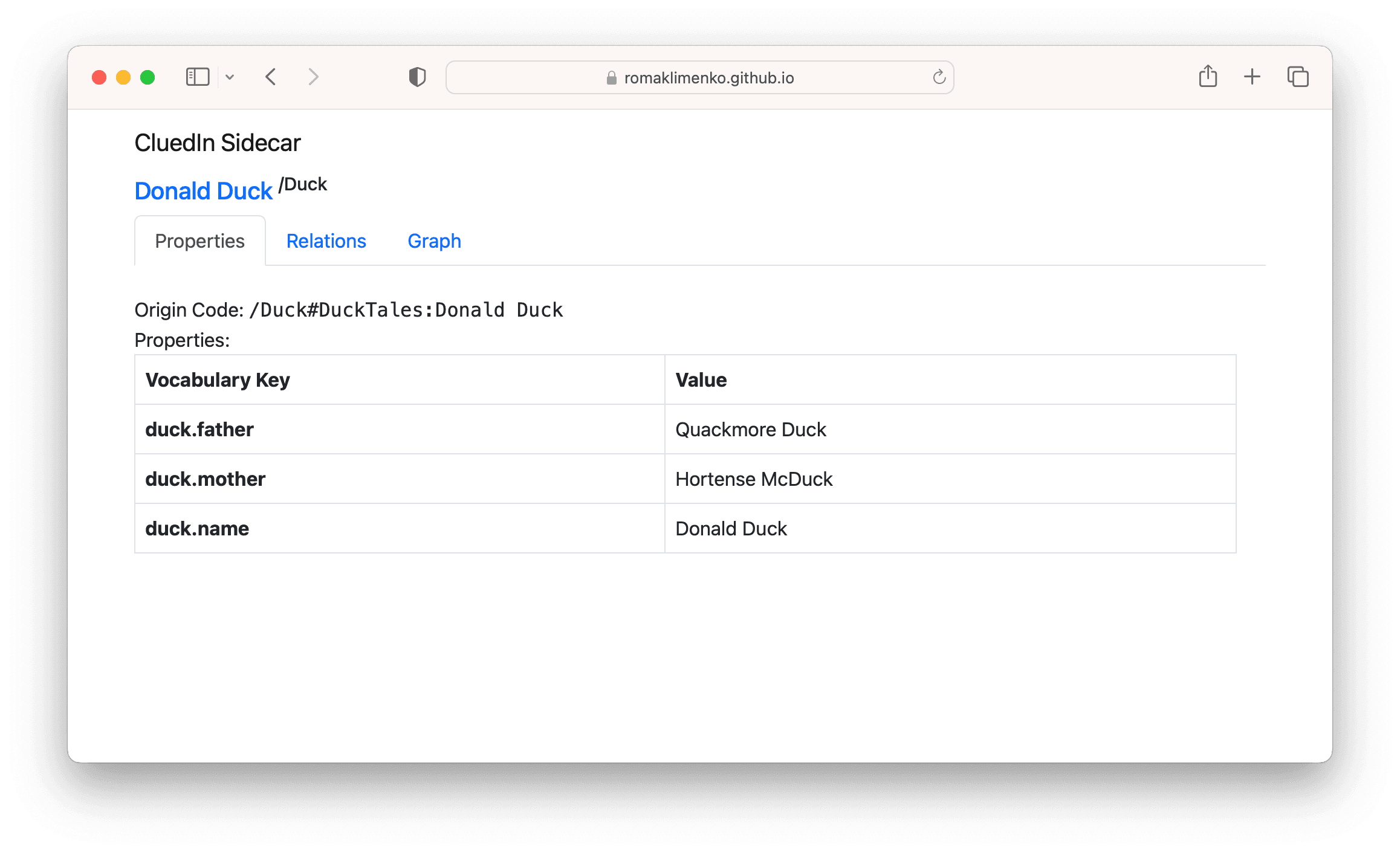
Entity:
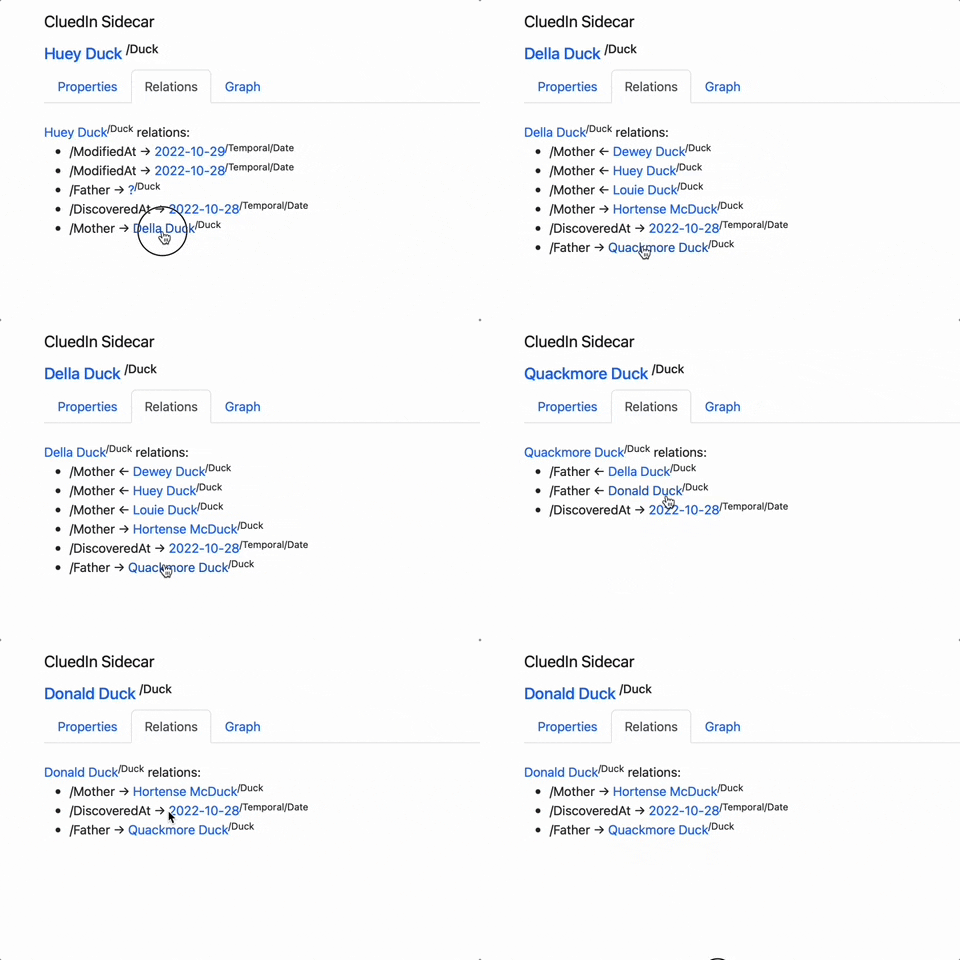
Reference navigation:
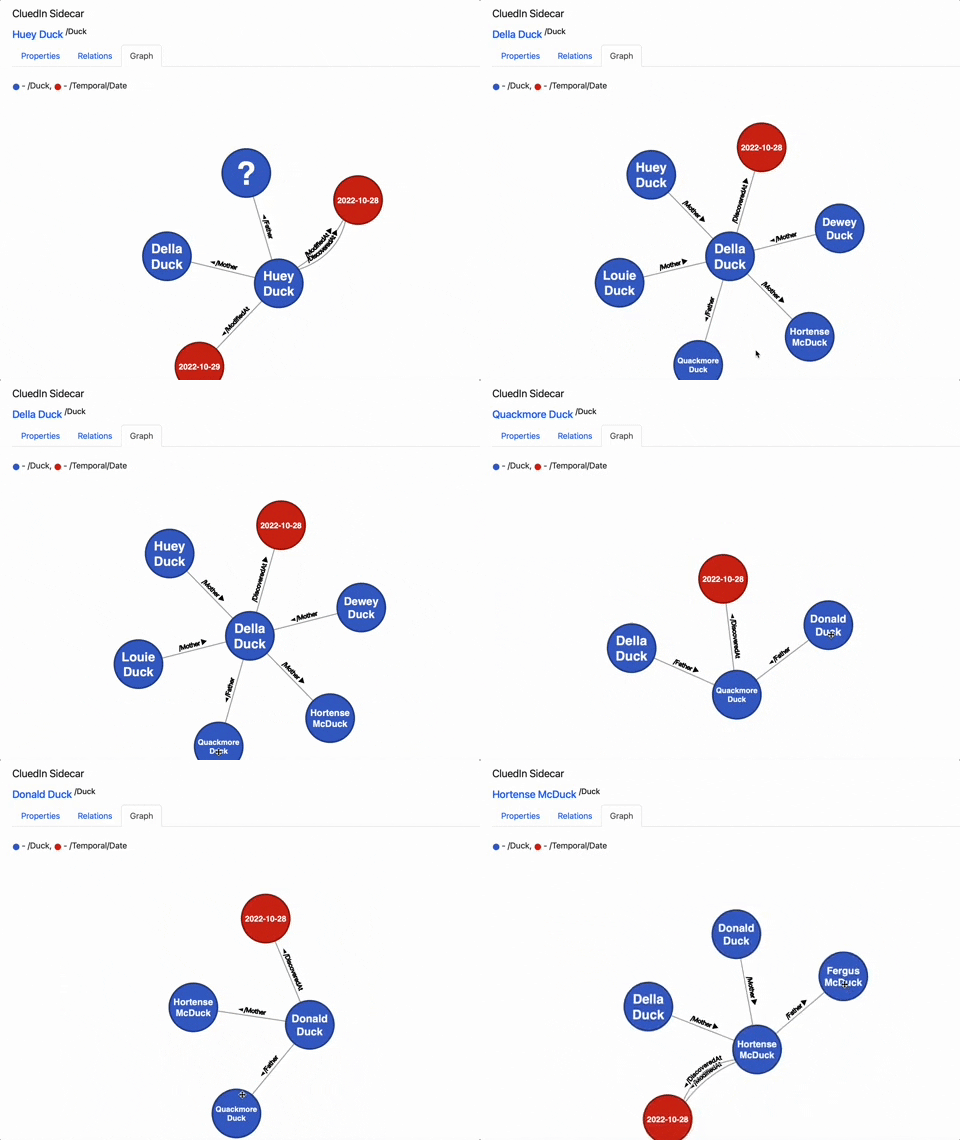
Graph navigation: